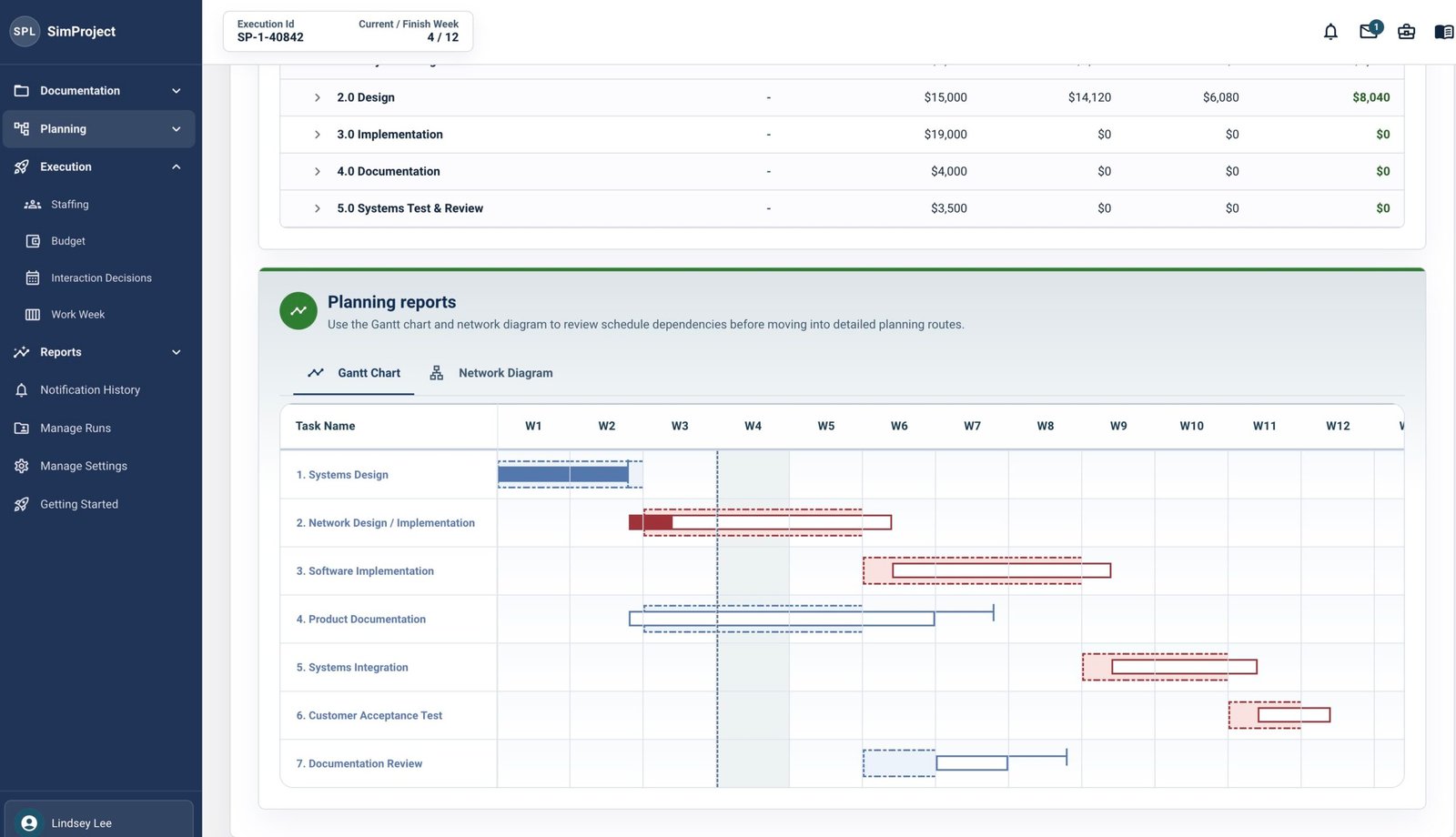
We’ve been heads-down building for the past several months, and on July 4 we’re shipping the biggest SimProject update since launch. Here’s what’s changing — and why we think it matters for your classroom.
Students now get a score.
This was the most requested feature we’ve ever had. When a student finishes a simulation run, they now receive a score from 1 to 10 based on the decisions they made across the project. Instructors receive the full scoring formula and grading guidance in their Instructor Workspace, so converting that score into a grade or point value fits whatever system your course already uses. No more building evaluation rubrics from scratch.
Setup is faster. For everyone.
We’ve refreshed the SimProject interface — cleaner, more intuitive, and easier for students to navigate from the moment they log in. We’ve also streamlined the student registration flow so the first session starts without the friction that used to slow things down.
More resources, ready to use.
Students now receive getting-started materials in their registration email, along with new videos on project planning, execution, and resource management, plus an orientation presentation in their account. Instructors get a grading rubric, instructor videos, and a student readout template — all in your Instructor Workspace.
You can see exactly when students ran their simulation.
The Instructor Dashboard now shows start and end times for every student run, displayed in each user’s local time zone. A small thing that turns out to be surprisingly useful.
Coming soon: AI-generated case studies.
This update also lays the groundwork for something we’re excited to share more about soon: AI-generated case study scenarios, starting with marketing and construction projects. More on that in the next release.
The update goes live July 4. If you have questions or want a walkthrough of the new features before your fall semester, book a 20-minute call with our team.